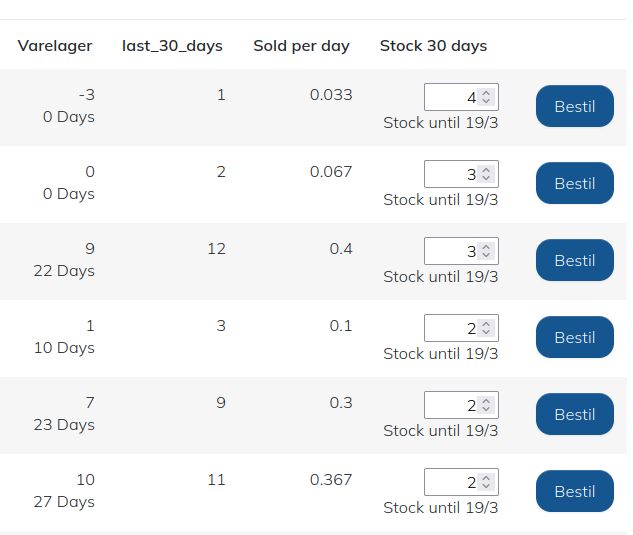
You do not need a complex system to manage your inventory purchasing.
You only need to know this:
- Stock lead time: how long does it take from ordering the product until it is delivered by the supplier?
- How many items do you have in stock now?
- How many have you sold per day over a given period, for example, the last 30 days?
Based on the answers to these 3 questions, you can create a simple forecast in a spreadsheet.
If you have sold 45 items over a period of the last 30 days, you have sold 1.5 per day. If you have 10 items in stock, you know that you only have stock for approx. 7 more days. You therefore need to purchase for the remaining 23 days to have inventory for the next 30 days.
You should therefore buy 23 * 1.5 = 35, provided that the stock lead time is less than the 7 days you already have stock for. If the stock lead time is longer than 7 days, you must order earlier or buy a bit more so that you can accept orders even if you are out of stock.
If the stock lead time here is 10 days, then buy for 3 extra days to be able to take orders even if out of stock.
How many days of inventory you wish to purchase for depends on:
- Your capital
- Volume discounts from the supplier
- Stock lead time, i.e., how long it takes to get the product in stock and how often you wish to order
An Excel sheet has been created where the entire calculation resides, and you can download it here
If you have thousands of items to keep track of, you probably should not do it yourself in Excel but invest in a system that can do exactly this.